AI for Visual Content Creation: Top Tools in 2026
The top AI tools for visual content creation in 2026 — image generators, video editors, design assistants, and presentation builders that actually deliver on their promises.
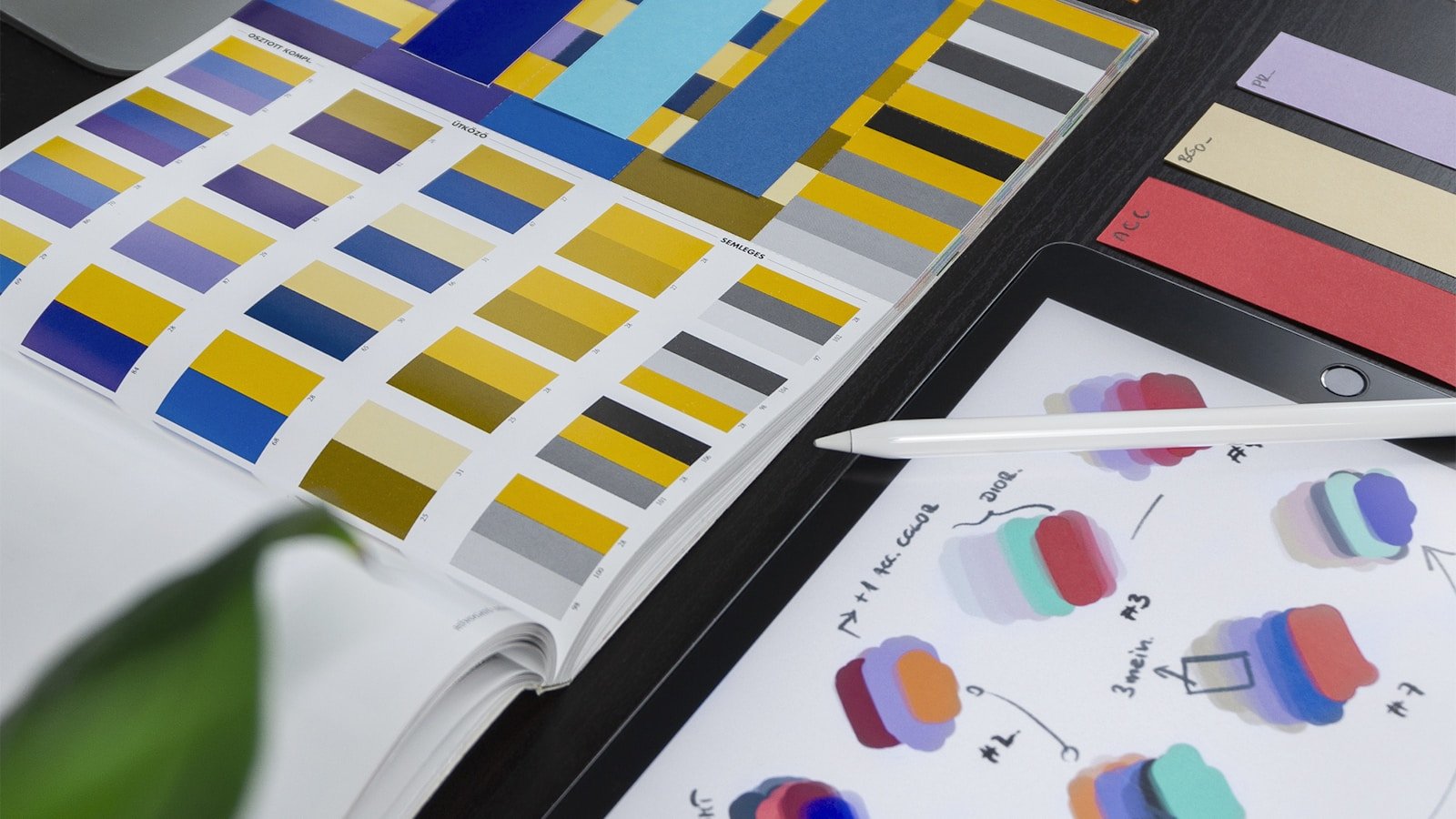
AI Visual Tools: Separating the Useful from the Gimmicky
AI image generators made a splash in 2023 and 2024, but the conversation has matured since then. We're past the "look, AI made a picture!" phase. The question now is practical: which AI visual tools actually produce output you can use for work? Which save you from hiring a designer for quick tasks, and which still require heavy cleanup?
I've tested these tools against real use cases — social media graphics, blog illustrations, slide decks, product mockups, short videos. This guide covers what's genuinely useful in 2026, what's improved, and what's still not ready for professional use. No affiliate links, no cherry-picked examples.
How to Evaluate AI Visual Tools
Before we get into categories, here's the framework for thinking about these tools:
- Output quality vs. editing time: An AI tool that generates a 70% finished image in 10 seconds is great — if you can fix the last 30% in a few minutes. If cleanup takes an hour, you might be faster starting from scratch.
- Consistency: Can the tool reproduce a style reliably? For brand work, you need consistent visual language, not random variation with every prompt.
- Commercial licensing: Not all AI-generated images are cleared for commercial use. Some platforms retain rights, some require attribution, some give full ownership. Check the terms.
- Ethical sourcing: Training data controversies haven't gone away. Some tools now use licensed or opt-in datasets. If this matters to you or your clients, it's worth checking.
- Integration: Does the tool plug into your existing workflow? A standalone web app is fine for occasional use; for production work, API access or plugin integration matters.
AI Image Generators
This category has the most options and the widest quality range. Here's how the major players compare for practical work:
| Tool | Best For | Commercial Use? | Free Tier? | Consistency |
|---|---|---|---|---|
| Midjourney | Artistic illustrations, concept art | Yes (paid plans) | No | Good with style references |
| DALL-E 3 (via ChatGPT) | Quick concepts, text in images | Yes | Yes (limited) | Moderate |
| Adobe Firefly | Brand-safe commercial imagery | Yes (trained on licensed data) | Yes (limited credits) | Good |
| Stable Diffusion (SDXL / SD3) | Local generation, fine-tuning, full control | Yes (open-source) | Yes (self-hosted) | Excellent with LoRAs |
| Ideogram | Text rendering, typography in images | Yes (paid plans) | Yes (limited) | Moderate |
| Flux (Black Forest Labs) | Photorealism, prompt adherence | Yes | Yes (via third-party hosts) | Good |
Practical advice: For most business use cases, Adobe Firefly is the safest bet. It's trained on licensed content, integrates with Creative Cloud, and Adobe indemnifies you against copyright claims. If you need artistic quality and don't mind a subscription, Midjourney consistently produces the most visually appealing results. For full control and self-hosting, Stable Diffusion remains unmatched — but requires technical skill and decent hardware (a GPU with 8GB+ VRAM).
AI Design Assistants
These tools go beyond generating individual images. They help with layouts, templates, brand consistency, and design workflows.
| Tool | What It Does | Best For | Price Range |
|---|---|---|---|
| Canva Magic Studio | AI-powered templates, background removal, text-to-image, resizing | Non-designers creating social, presentations, marketing materials | Free tier / Pro from $13/mo |
| Adobe Express | Templates with Firefly integration, brand kit, AI text effects | Teams needing brand-consistent quick designs | Free tier / Premium from $10/mo |
| Figma AI | Auto-layout suggestions, component generation, design-to-code | UI/UX designers, product teams | Included in Figma plans |
| Microsoft Designer | AI-generated designs using DALL-E, integrated with M365 | Microsoft 365 users needing quick graphics | Included in M365 / free web app |
The honest take: Canva's AI features have become genuinely impressive for non-designers. Background removal, Magic Eraser, and template auto-resize save real time. Adobe Express is catching up, especially if you're already in the Adobe ecosystem. Figma AI is useful for UI work but still early — it suggests layouts rather than building finished designs.
AI Video Editing and Generation
AI video is the category with the most hype and the biggest gap between demos and daily usability. Text-to-video has improved dramatically, but it's still not at the point where you can generate a polished marketing video from a prompt alone.
| Tool | Type | What Works | What Doesn't (Yet) |
|---|---|---|---|
| Runway Gen-3 | Text/image to video | Short clips (5-10s), motion from still images | Longer sequences, consistent characters across scenes |
| Pika | Text/image to video | Quick animated loops, style effects | Narrative video, lip sync |
| CapCut (AI features) | Video editing with AI assists | Auto-captions, background removal, silence trimming | Generation — editing features are stronger |
| Descript | Video/podcast editing via transcript | Editing by editing text, filler word removal, screen recording | Complex multi-track editing |
| Synthesia | AI avatar videos | Training videos, internal comms with AI presenters | High-end production quality, emotional range |
Where AI video actually helps today: Editing assistance, not generation. CapCut's auto-captions and silence removal save hours of editing. Descript's transcript-based editing is brilliant for podcasts and talking-head videos. Synthesia works well for internal training where you need a presenter but don't want to book a studio every time content changes. For text-to-video generation, Runway and Pika produce impressive short clips but can't yet build a coherent multi-scene narrative.
AI Presentation Builders
Making slide decks has always been tedious. AI tools are starting to help, though the results vary widely.
- Gamma: The best AI-first presentation tool right now. Give it an outline or paste in text, and it builds a styled deck with reasonable layouts. You'll still tweak slides, but it gets you from blank page to 80% done faster than anything else.
- Beautiful.ai: More template-driven than generative. Automatically adjusts layouts as you add content. Good for teams that need consistent-looking decks without a designer.
- Google Slides AI / PowerPoint Copilot: Built into the tools you already use. PowerPoint Copilot generates slides from prompts and summarizes documents into presentations. Results are adequate but generic — you'll customize heavily.
- Tome: Focuses on storytelling-style presentations. Good for pitch decks and narrative-driven content. Less useful for data-heavy corporate presentations.
Quick Decision Checklist
Use this to narrow down your options based on what you actually need:
- ☑ Need quick social media graphics? → Canva Magic Studio or Adobe Express
- ☑ Need illustrations for blog posts or articles? → Midjourney (artistic) or Adobe Firefly (safe commercial use)
- ☑ Need product mockups or concept art? → Midjourney or Stable Diffusion with fine-tuning
- ☑ Need video editing help? → Descript (podcast/talking head) or CapCut (short-form)
- ☑ Need training videos with a presenter? → Synthesia
- ☑ Need slide decks fast? → Gamma or PowerPoint Copilot
- ☑ Need full creative control, local generation? → Stable Diffusion (self-hosted)
- ☑ Need text rendered correctly in images? → Ideogram or DALL-E 3
Things That Still Don't Work Well
Honesty matters more than hype. Here's what AI visual tools still struggle with in 2026:
- Hands and fine details: Better than 2024, but still occasionally wrong. Always review closely.
- Brand consistency across generations: Without fine-tuning (Stable Diffusion) or style references (Midjourney), getting a consistent look across multiple images is unreliable.
- Long-form video: Text-to-video beyond 10-15 seconds remains choppy and inconsistent. For anything longer, you need real footage or heavy editing.
- Specific faces and likenesses: Generating specific people raises both technical and ethical issues. Most commercial tools block this deliberately.
- Complex infographics and data visualization: AI can't reliably generate accurate charts or data graphics. Use actual charting tools for anything with numbers.
Related Resources
- SoftDZ Online Tools — free browser-based utilities
- AI Email Signature Generator — create professional email signatures with AI